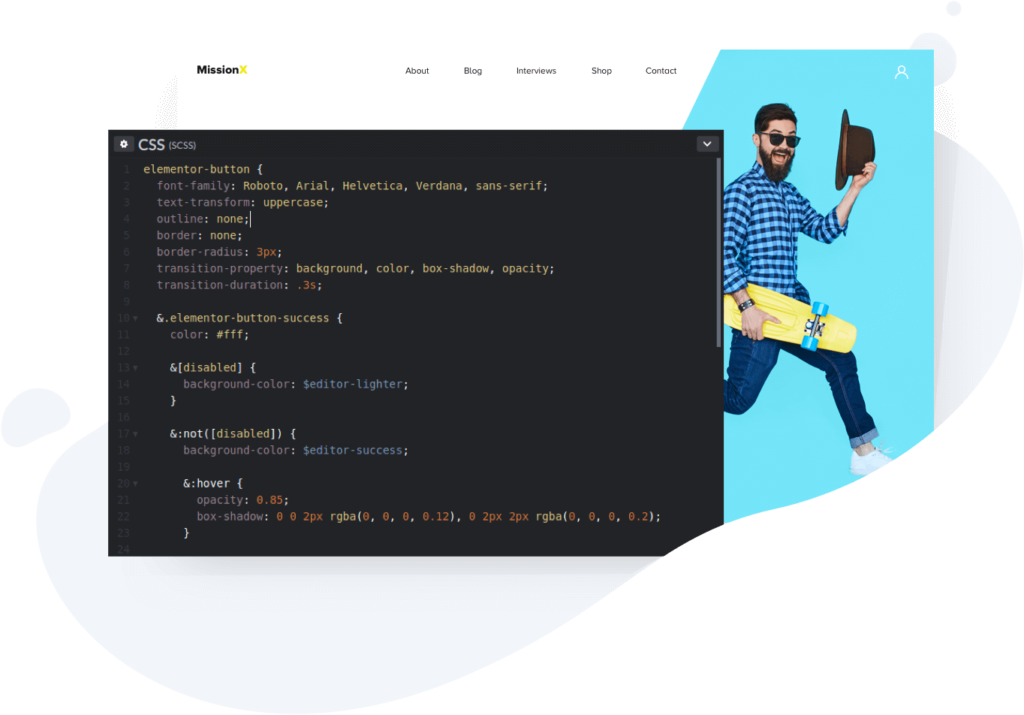
The introduction of Elementor to WordPress has made everybody’s life more comfortable. Still, every now and then, Elementor has some bugs that need a second eye, And we (three super cool freelancers) are here to help🙌.
Need a quick walkthrough tips or guide to get going with Elementor page builder? We can also help with that!
Elementor is an awesome drag and drop WordPress page builder plugin. This Page builder makes it possible for you to control nearly every aspect of your website visually. Giving non-tech people the tools and help they need to build a website without the fear of coding.
Elementor can essentially pair itself with any existing WordPress theme, and they have their native WordPress theme called Hello Theme. Elementor has several external developers adding to its robust list of widgets. So this means no building anything from scratch. They have a lot of pre-built content to quickly set up and adjust or add to your current theme. All you have to do is drag and drop pre-crafted elements from professionals, and you are ready to go.
All Elementor functionality for building out your site is incredibly intuitive. This makes it very easy to accomplish any design task and interactive functions on your website without needing a coder.
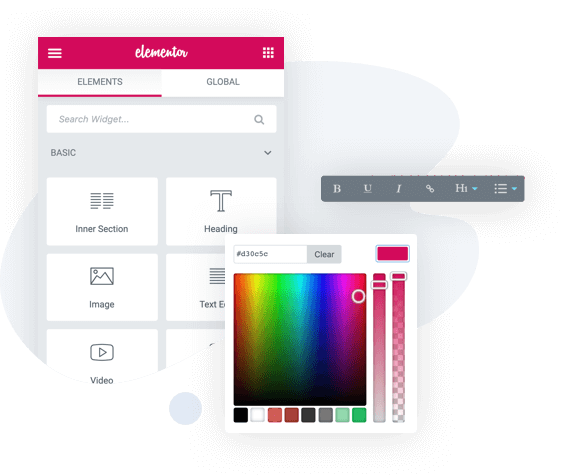
The premium version has a lot of cool upgrades. As you get more comfortable with the plugin, you probably want to improve your workflow.
It has all these additional features that can improve your design experience even more. Useful for developers who are building websites from scratch.
You also get access to a more extensive widget library, 24h support, powerful content blocks, integrations, and more.
The free version is more than enough for those building their first site. If you require more advanced features and website functionality, you definitely want to dive into the Elementor pro extension pack.